Discovery
Your Mac just appears.
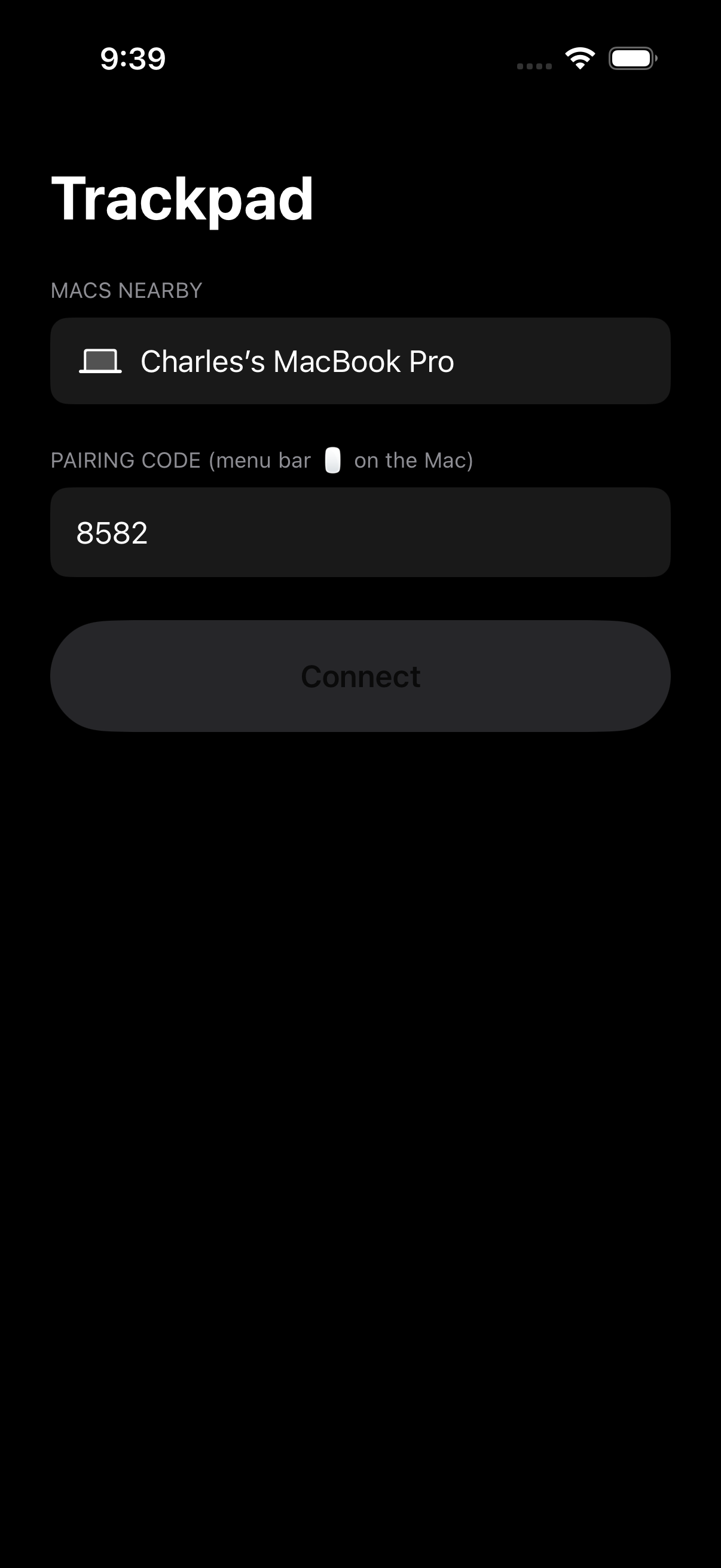
Trackpad finds your Mac over the same radio AirDrop uses. No shared Wi-Fi network, no IP addresses — open the app and it’s there.
Your iPhone is your Mac’s trackpad.

Discovery
Trackpad finds your Mac over the same radio AirDrop uses. No shared Wi-Fi network, no IP addresses — open the app and it’s there.
Setup
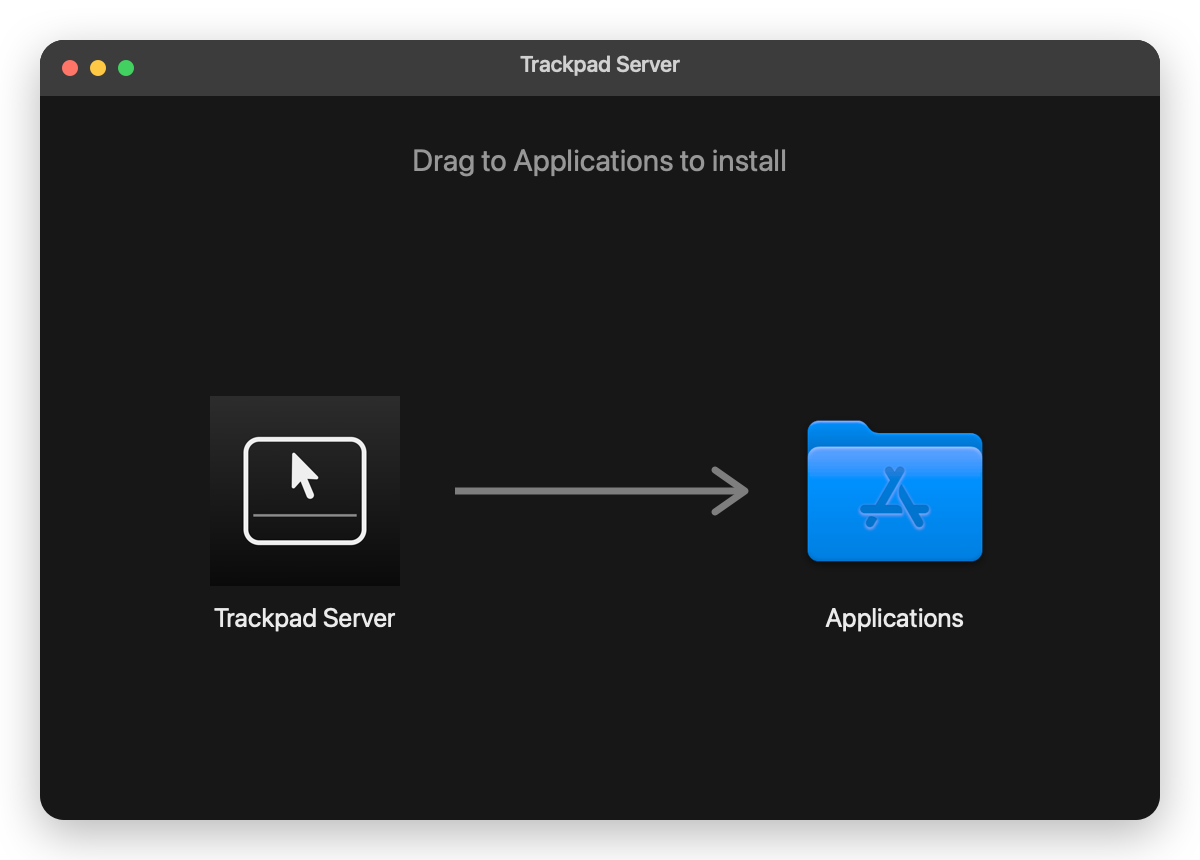
Download Trackpad Server, drag it to Applications, and open it. It sits in your menu bar and shows a four-digit pairing code — the only thing your iPhone ever asks for.
Gestures
Tap to click. Two fingers to scroll or right-click. Tap, then hold, to drag. The cursor accelerates the way a real trackpad does.
Your Mac shows a four-digit code. Your iPhone asks for it once. Every other connection is refused, and no traffic ever touches the internet.
The Mac app is notarized by Apple. On first launch, grant the Accessibility permission it asks for — that’s what lets it move your cursor.