Trackpad Server for Mac
The free app your iPhone connects to. Keep it running and your Mac stays discoverable.
Download for Mac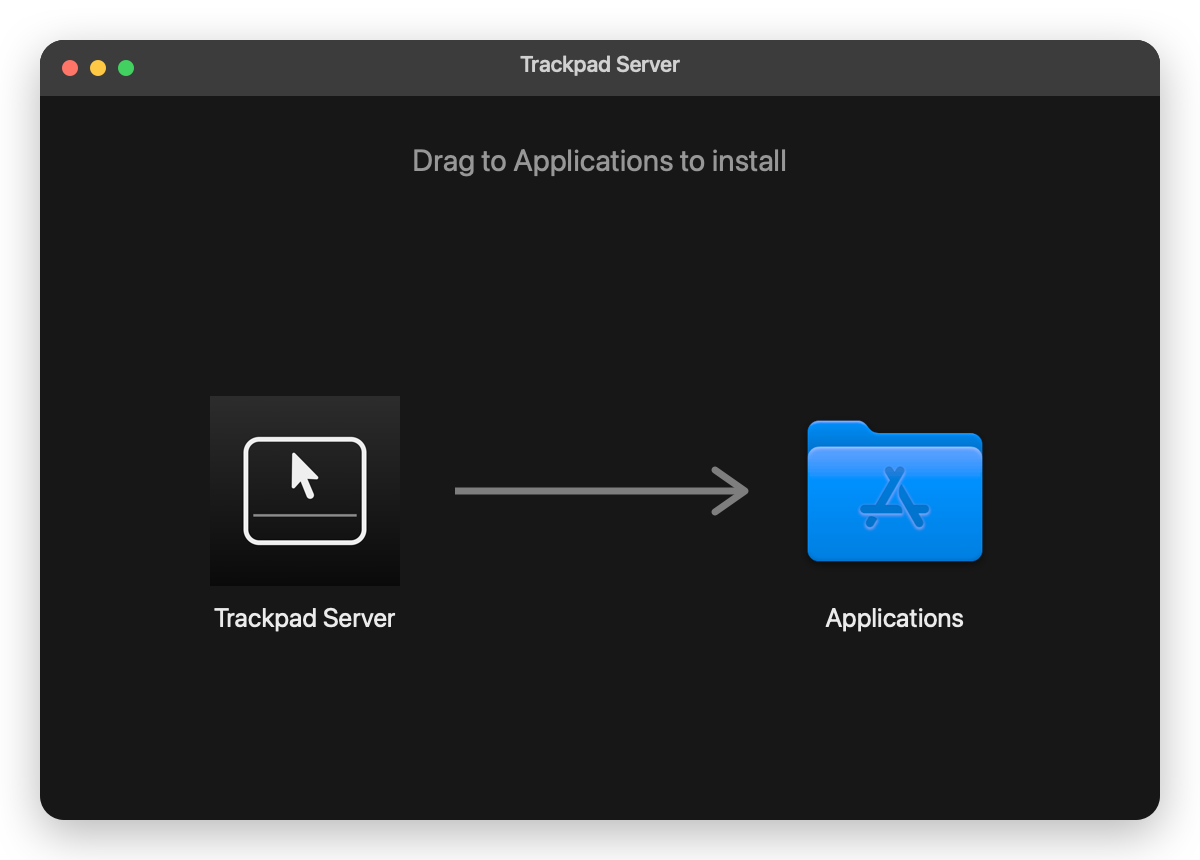
The free app your iPhone connects to. Keep it running and your Mac stays discoverable.
Download for Mac
The download is a standard macOS disk image. Drag Trackpad Server onto the Applications folder shown beside it, then eject the image.
It appears in your menu bar as a 🖱️ icon and shows a four-digit pairing code. There is no window to keep open.
macOS asks for this the first time you open the app. It is what allows Trackpad to move your cursor — without it, your iPhone pairs but nothing moves. You can grant it later from the menu bar item.
Open Trackpad on your iPhone, tap your Mac's name, and enter the code from the menu bar. Your Mac only needs the app running from then on.